Before After Video MakerTwo photos in, a transformation video out
Get the app free

Two photos in, a transformation video out

Pro templatePremium

Photographer

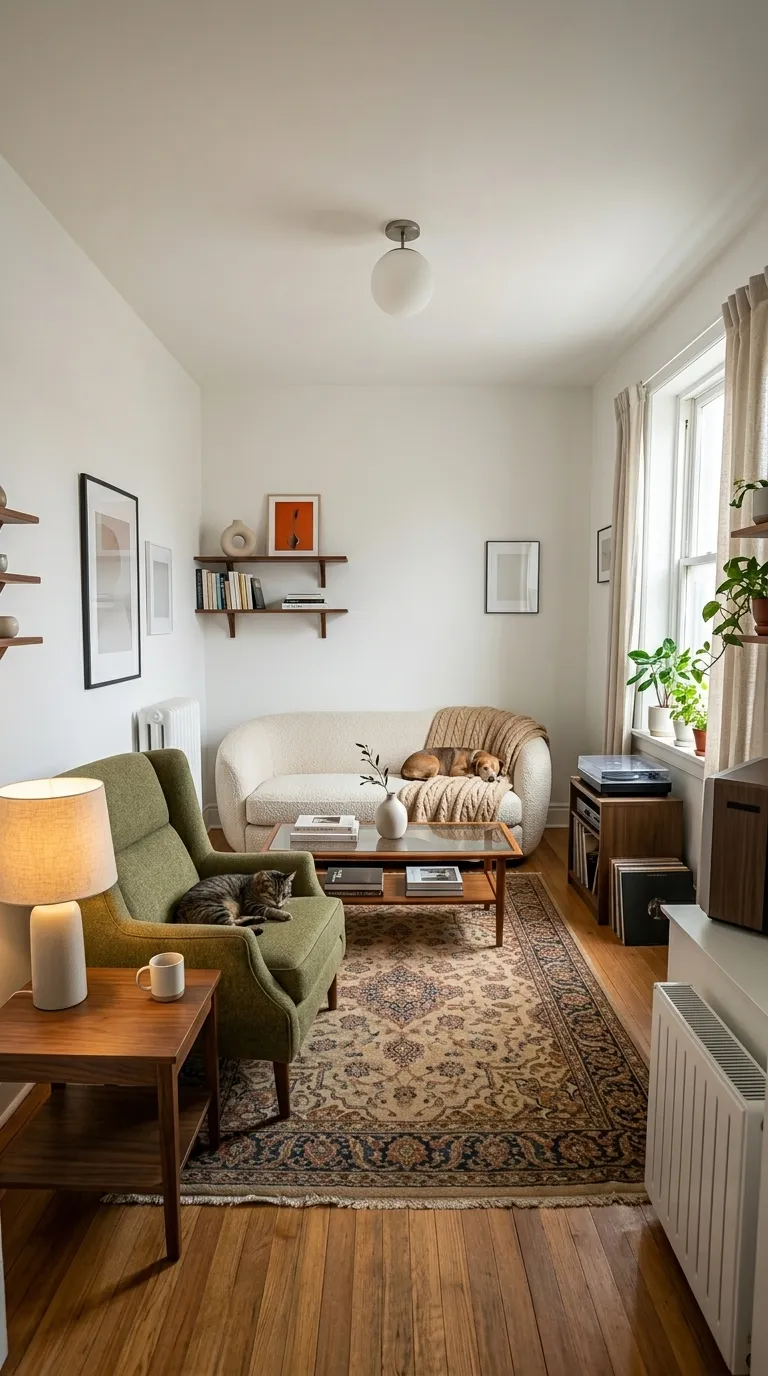
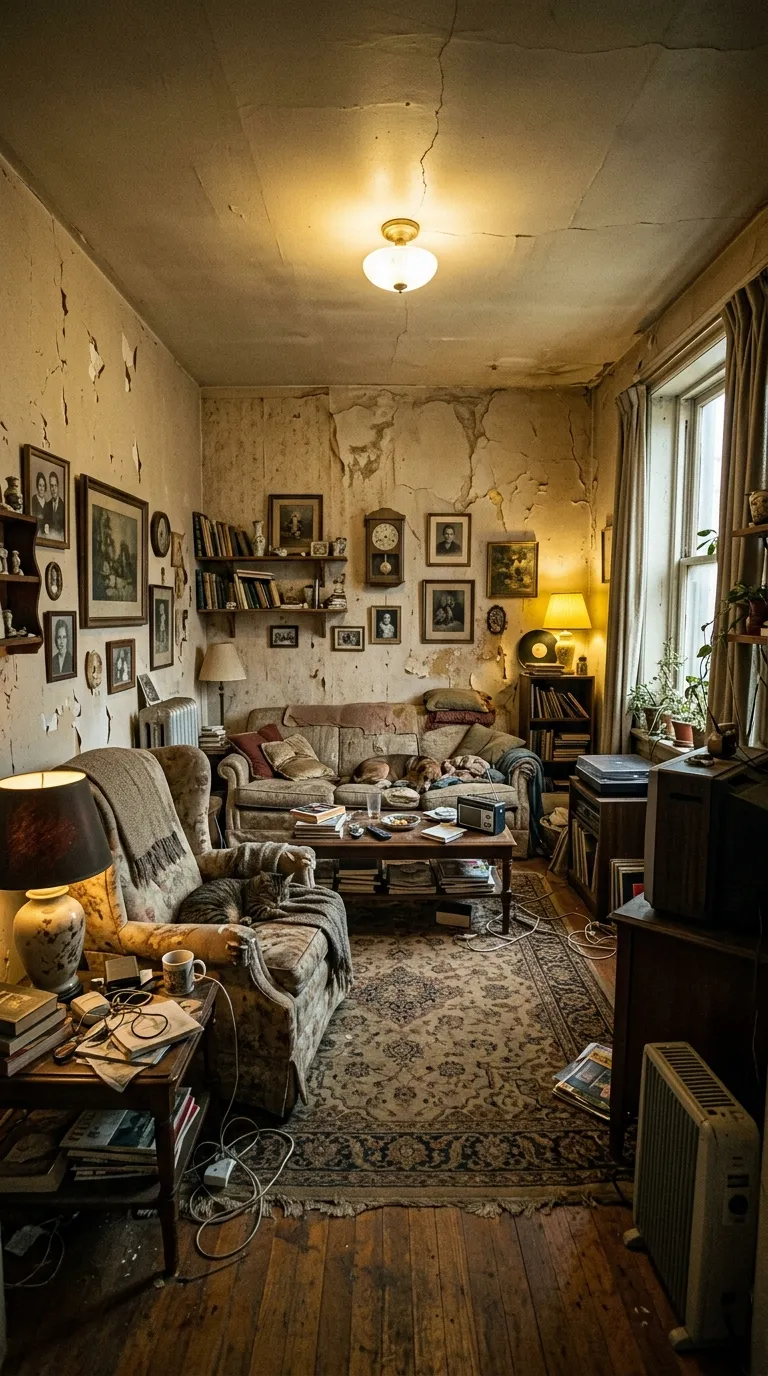
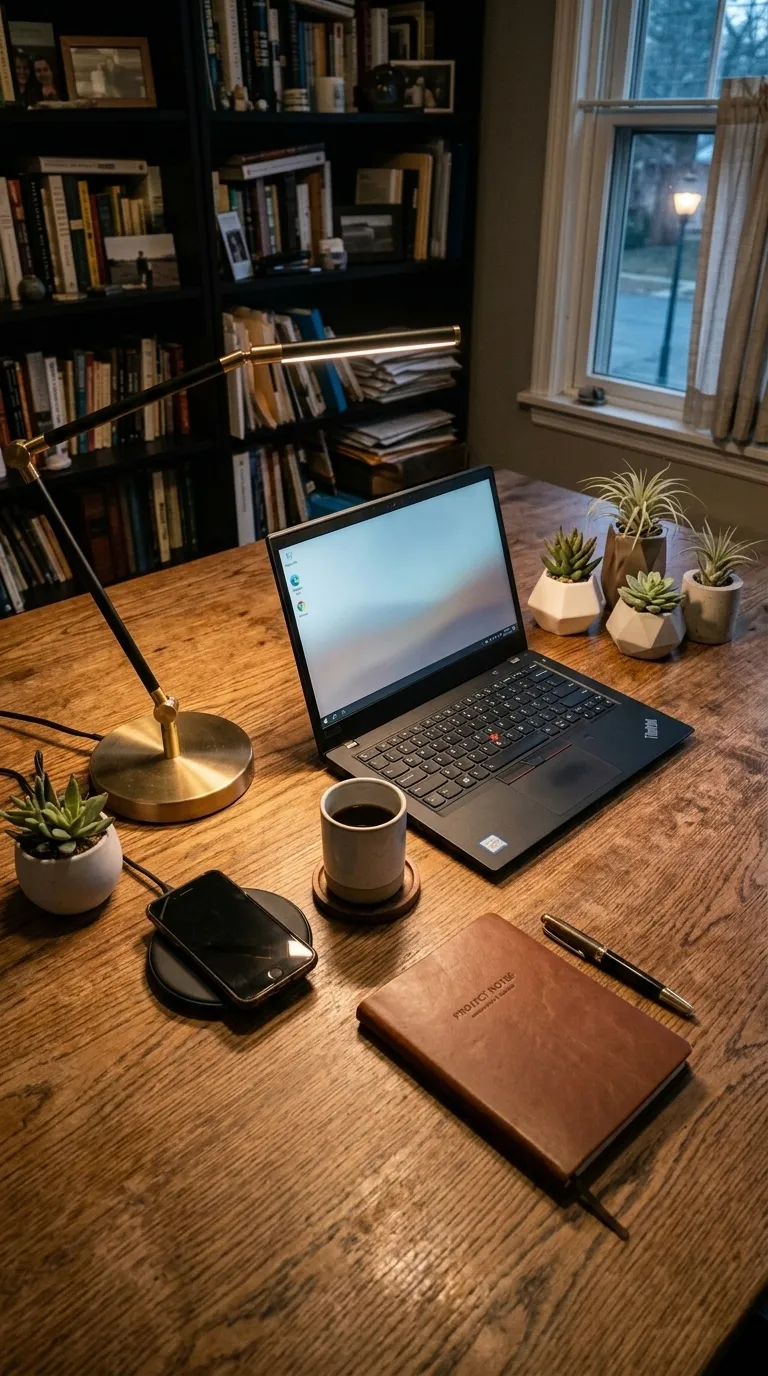
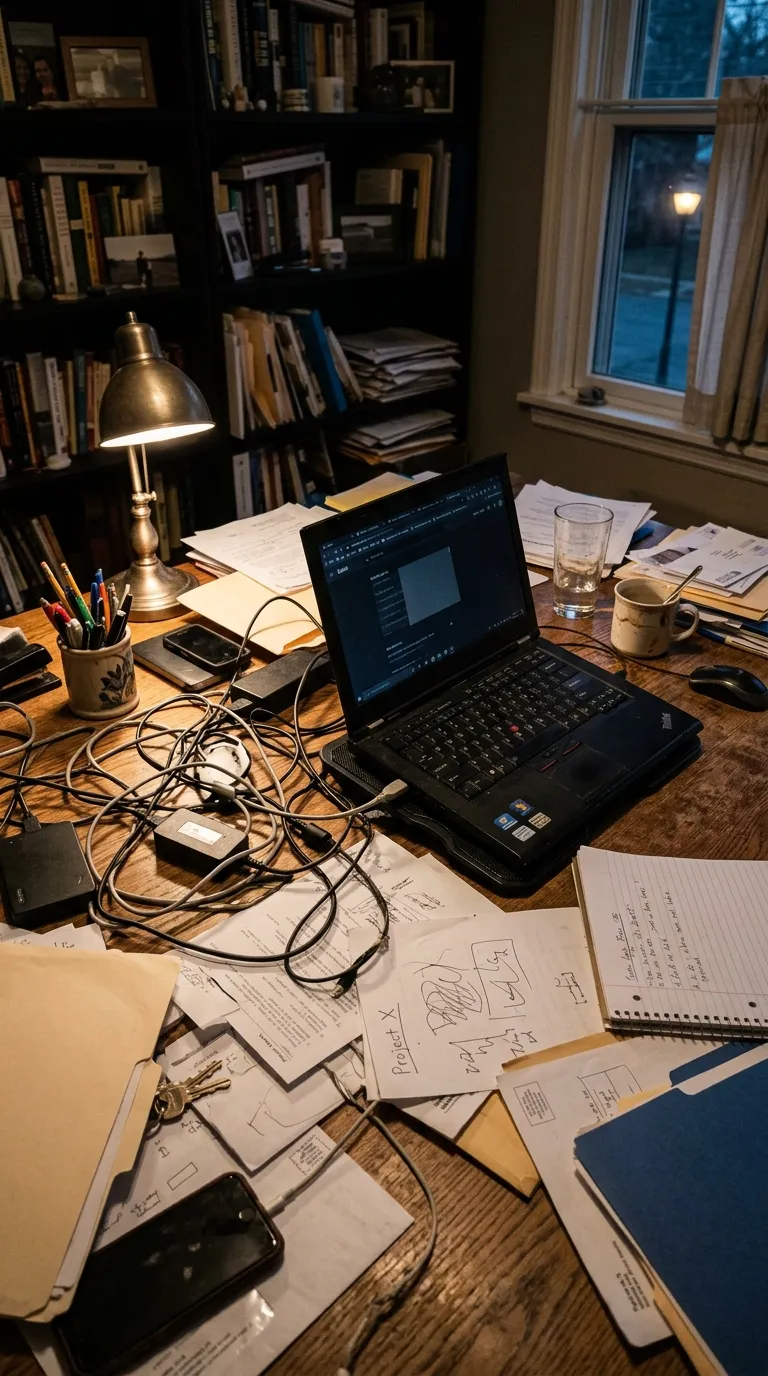
Professional category, on a 4:5 portrait canvas, with Space Mono Bold labels reading Raw and Edited, over a two-stop gradient. Drag the handle to see it work.
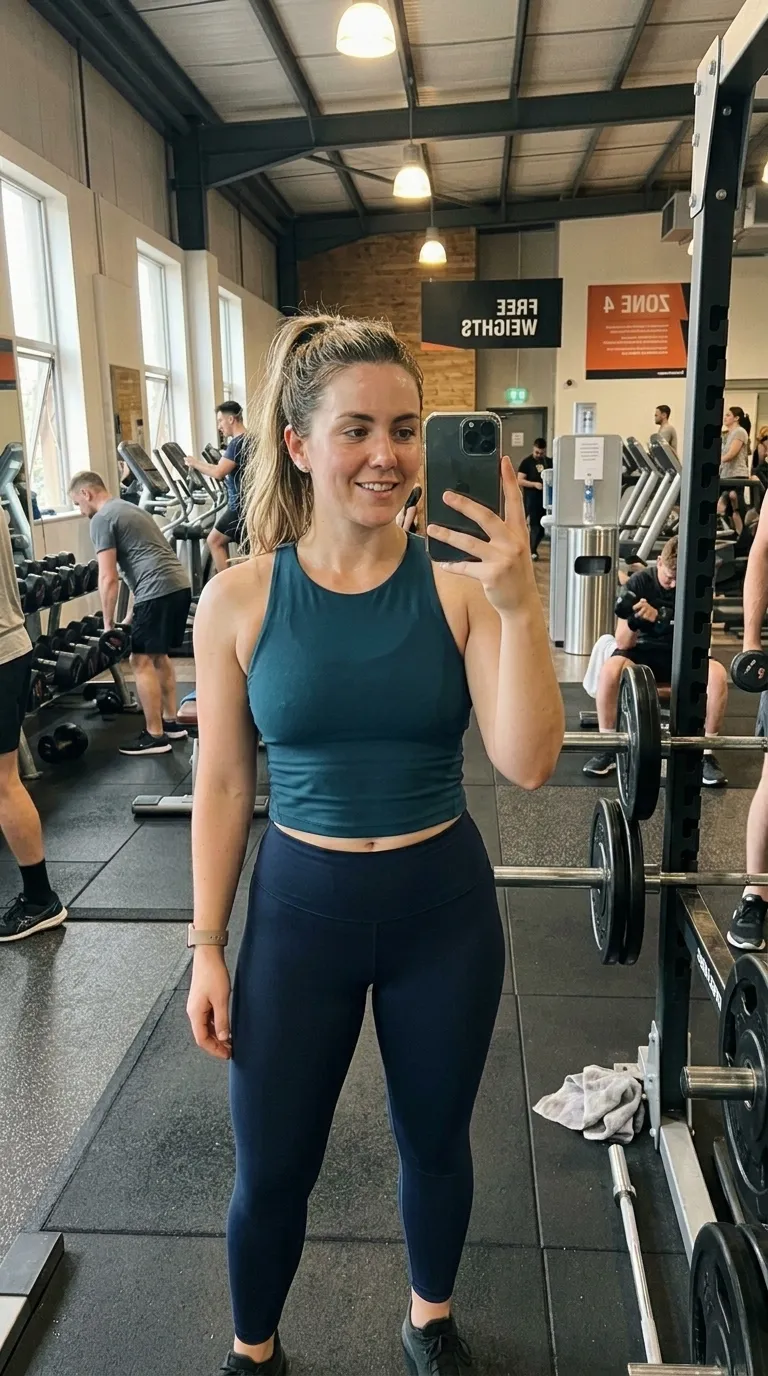
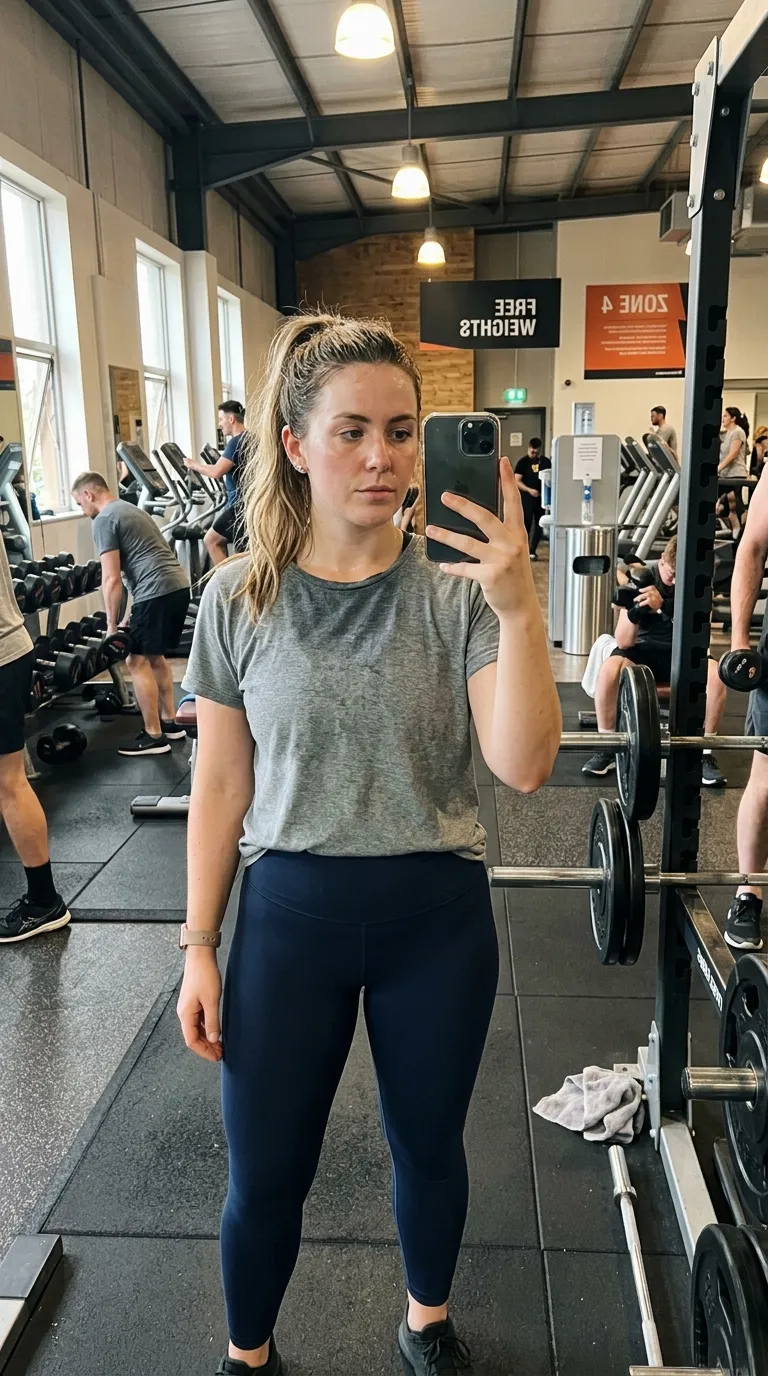
The same mirror, same framing, several weeks into the programmeA gym mirror selfie taken in a loose t-shirt at the start of a programmeRawEdited
A web rendering of the Photographer template, drawn from the app build's own frame colour, divider, label face and canvas shape. The photographs are the sample pair of a weekly progress selfie that ships with the app. Your export is composited at 1080p from your own two photos.

What Photographer is for

Restrained, clinical framing with quiet labels. The register you want when the result has to look like a record rather than an advert. Within that, Photographer is the premium option: a 2-stop gradient behind the pair, with a 1 pt #6C5CE7 divider holding the two halves apart.Labels sit bottom right in Space Mono Bold. It also reserves 48 points under the pair for your logo and business name, so the post carries your company rather than the app.

How to use it

  1. Open the app and pick your before photograph, from the gallery or straight from the camera.
  2. Shoot or pick the after. Ghost Camera lays the before over the live viewfinder at up to 70 percent opacity so the two line up, and it is free.
  3. Choose Photographer in the template picker. It is a Pro template, so the paywall appears on tap unless you have upgraded.
  4. Pick a comparison mode: slider, side by side, top and bottom, or tap to switch. All four are free and all four preview live.
  5. Export. A video is 3 to 7 seconds, a GIF loops at 480 px, and an image comes out at your chosen ratio.

If you are not sure the pair is good enough yet, put it through the free browser slider first. It runs entirely on your own device and it will show you a mismatch in about two seconds. The guide to why before and afters look fake covers what to do about it.

Honest limits

The video export takes its layout from the reveal animation rather than from the comparison mode, so a top and bottom or tap to switch arrangement reaches an image export but not a video one yet. That is a known fix, logged for the next release. A GIF is a simple looping slider reveal and does not reproduce the template exactly. And the input is always two still photographs: there is no clip comparison, no trimming and no timeline anywhere in the app.

Common questions

Is the Photographer template free?
No. Photographer is one of the 92 Pro templates. 8 of the 100 templates in the app are free, and every other part of the editor, including all four comparison modes, Ghost Camera, the filters, the stickers and your own logo and business name, is free as well.
What shape does Photographer produce?
The template's canvas is 4:5 portrait. The export ratio is a separate choice made in the export sheet: 9:16 and 1:1 on the free tier, plus 4:5 and the original ratio on Pro.
Can I change the BEFORE and AFTER wording?
Yes. Photographer starts with "Raw" and "Edited" and every part of that is editable: the text, the typeface, the colour, the size, bold and italic, uppercase, a shadow, the background opacity, and the position, either one of five presets or dragged anywhere on the canvas.
Can I compare two video clips with this?
No, and nothing in the app can. The input is two still photographs. The word video in the name refers to the output: an MP4 at 1080p, a looping GIF, or a still image.

Put your own pair in Photographer

Two photographs, one template, and a reveal that plays in about four seconds. Three exports a day are free, each behind a short rewarded ad.

Get the app freeiPhone, iOS 17 and later