
 BeforeAfter
Photos in, video out
Drag the handle. That is the whole product: a before, an after, and a reveal you can post to Reels, TikTok or Stories in about a minute. This site is the reference for doing it well, including the free slider you can use right here without installing anything.
100 templatesFree tier, ad supported10 languages
 BeforeAfter
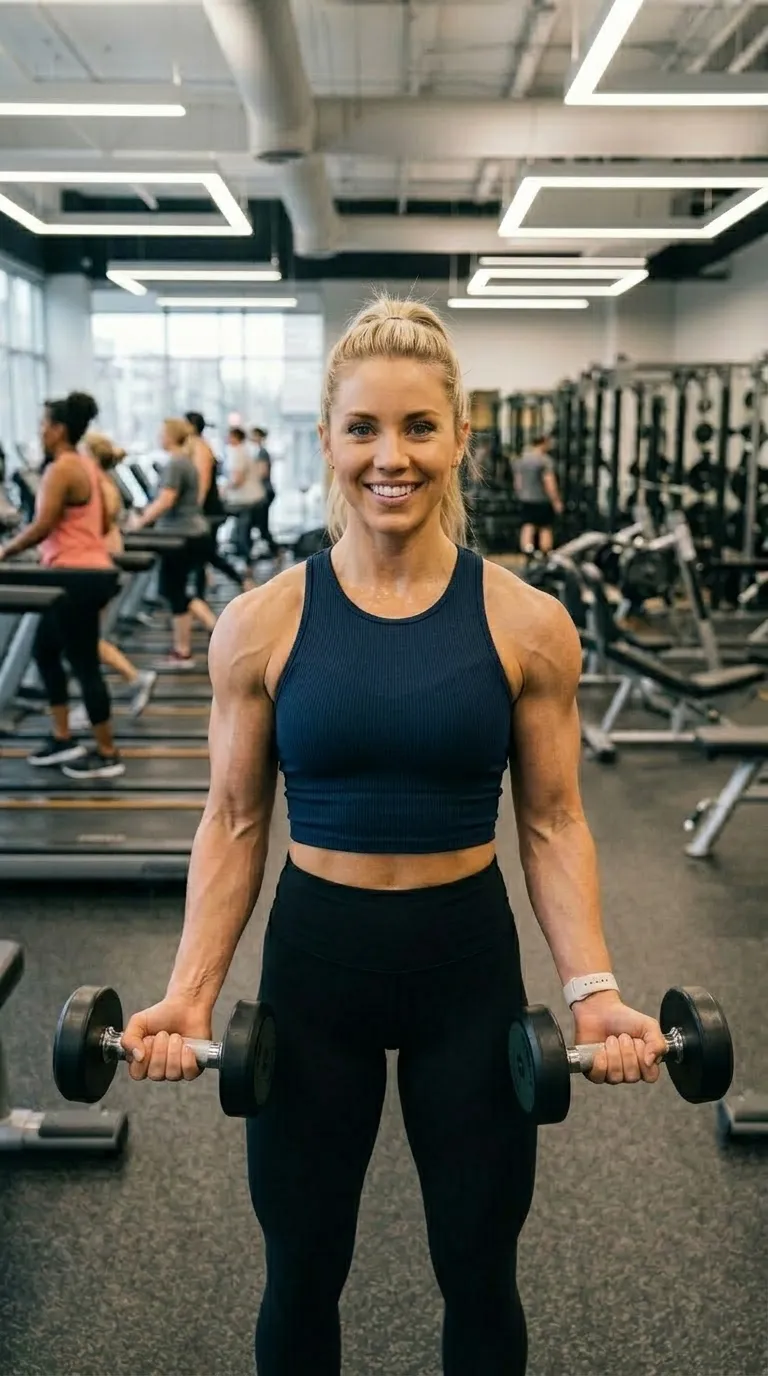
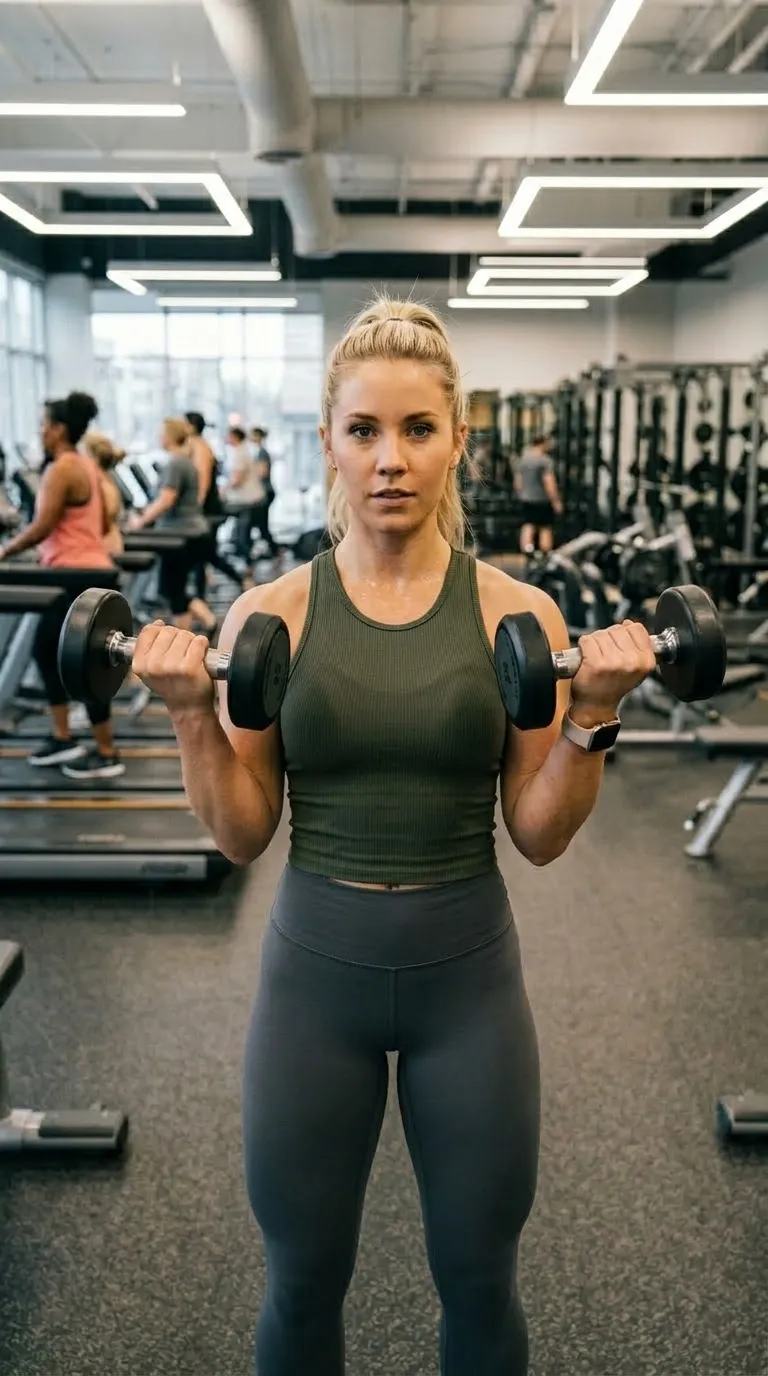
Live, in your browser. The Reels Ready template, one of the 8 the free tier unlocks.
Counted from the shipped build, not from a marketing sheet. Input is two still photographs: there is no clip comparison and no timeline.
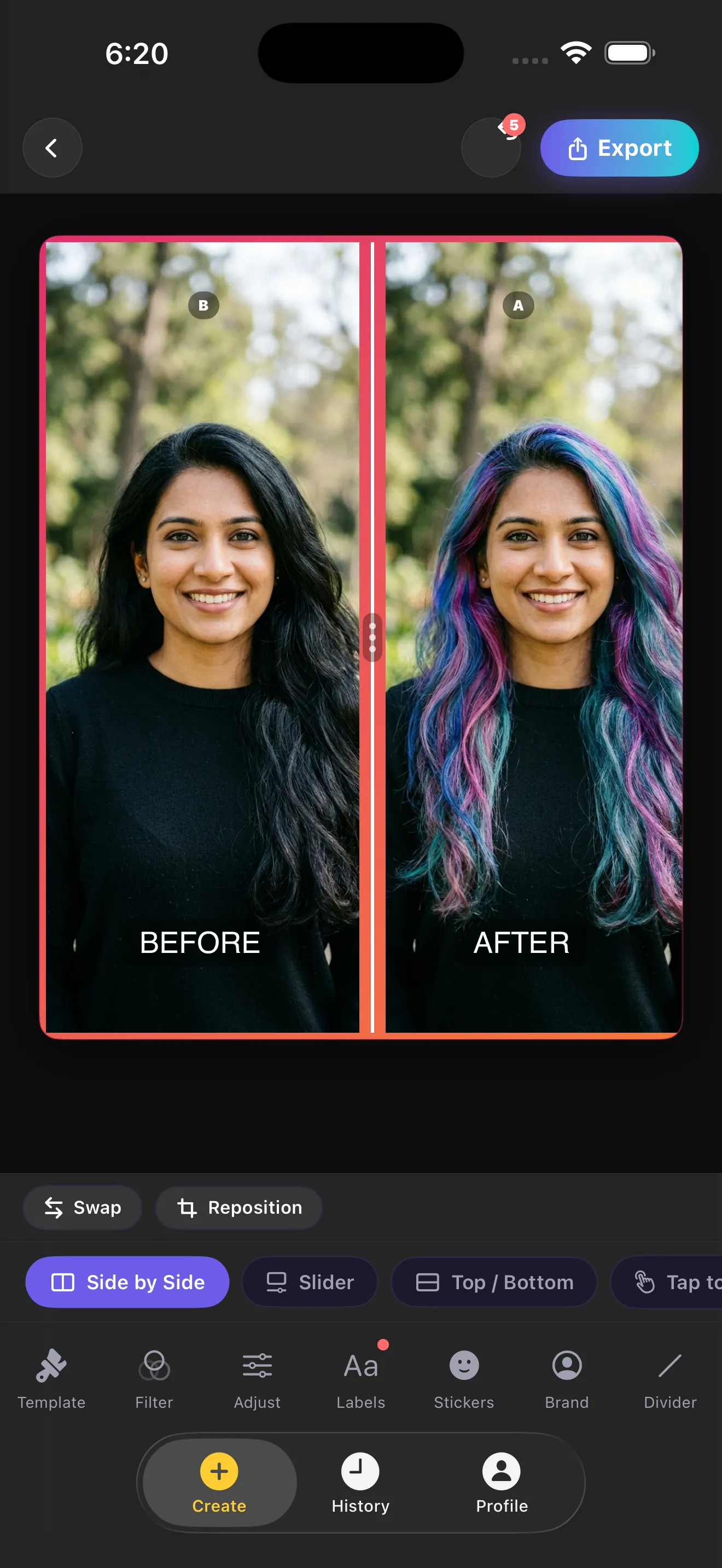
Every mode previews live on the canvas. Nothing here is a render queue you wait on: you tap a mode, you see it, you change your mind.
All four are free, and all four render in an image export.
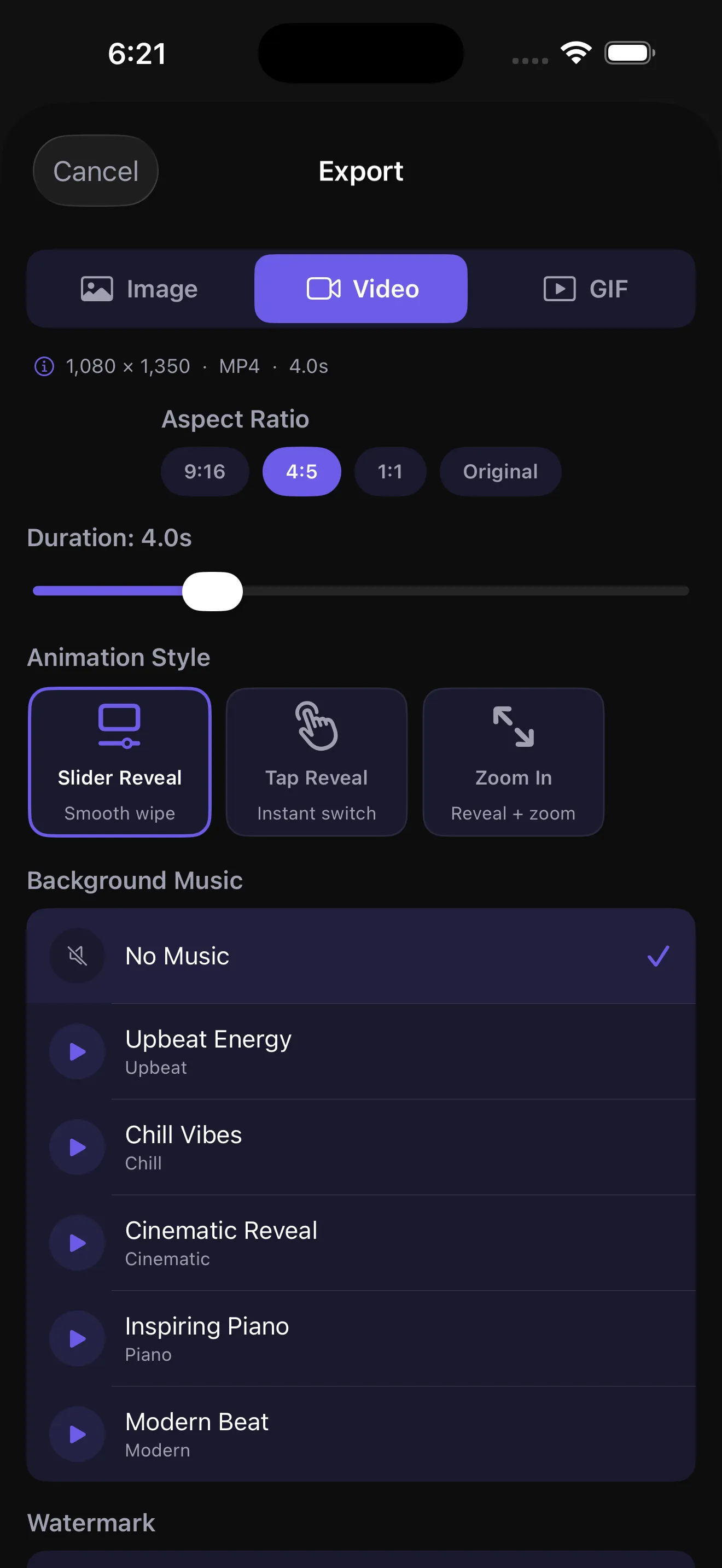
Three, and that is the complete list. A video is 3 to 7 seconds, at 30 fps, with built-in background music generated on the device rather than a licensed library.
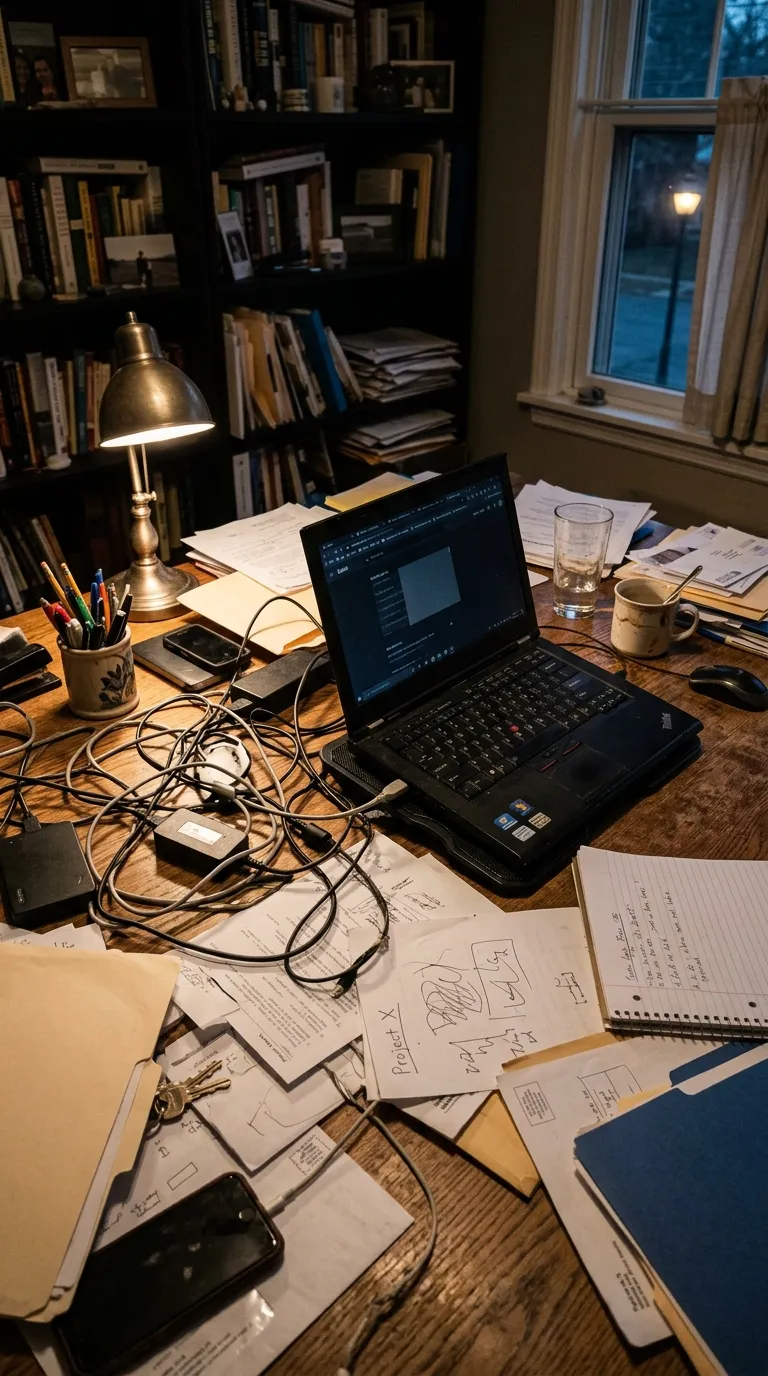
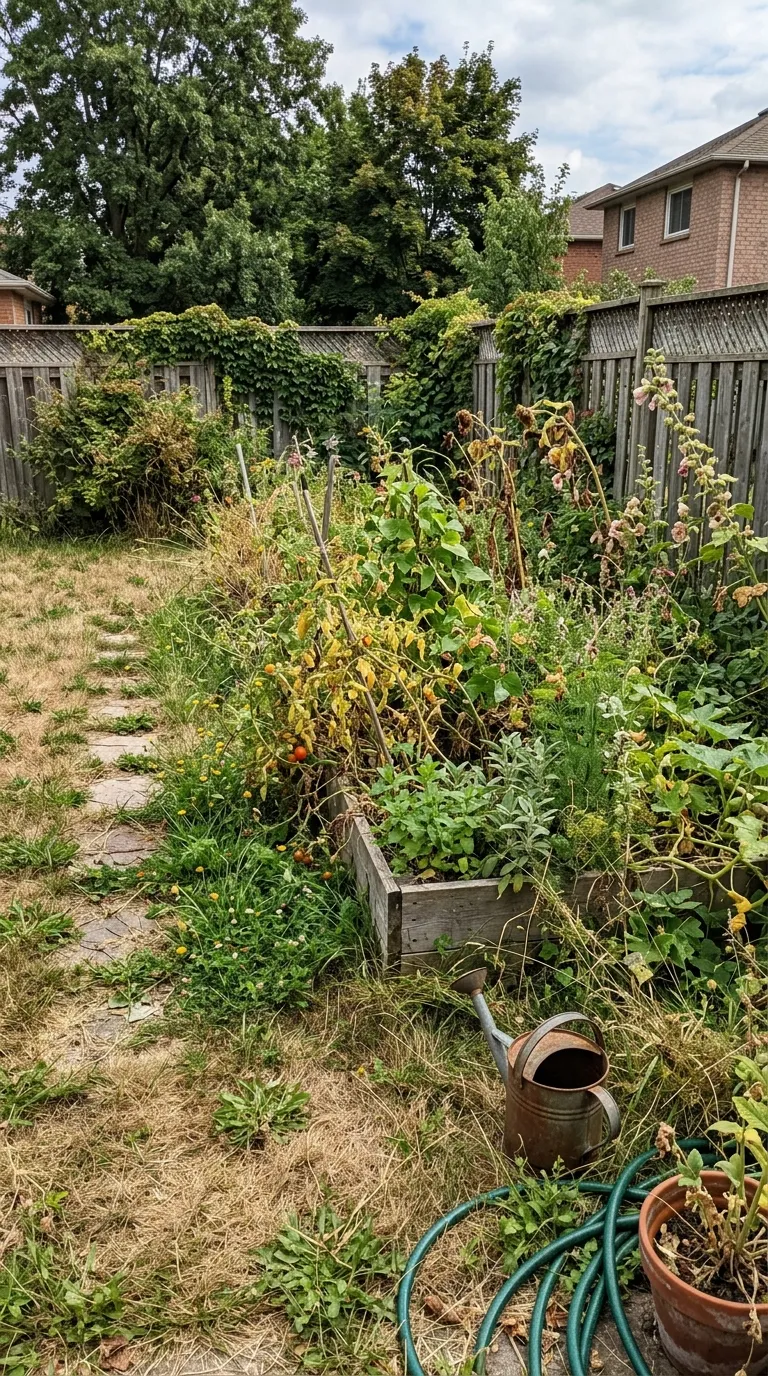
The reason most pairs look fake is that the second photograph was taken from a slightly different place. Ghost Camera fixes that at the source: your before photo sits over the live camera at an opacity you choose, between 0 and 70 percent, so you line the shot up before you press the shutter.
Drag the control under the frame to see what that looks like. It is the whole trick, and it is free. If you would rather do it by hand, the guide on taking matching photographs covers the five numbers to write down instead.
Why pairs look fake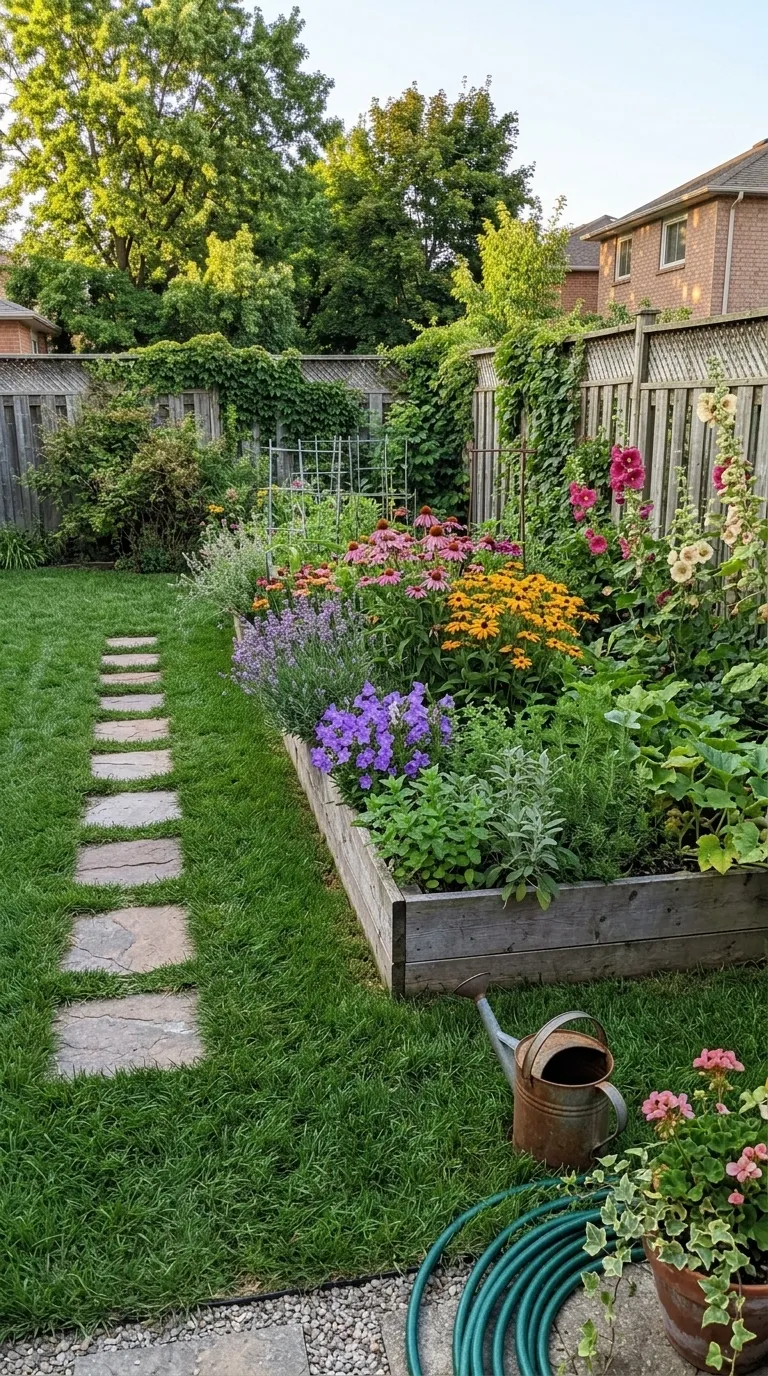
100 templates across 20 packs, from clean frames to trade packs for salons, nail bars, tattoo studios, pet groomers, detailers and landscapers. Each one has its own page here with a working demo, so you can see it before you install anything.
BeforeAfter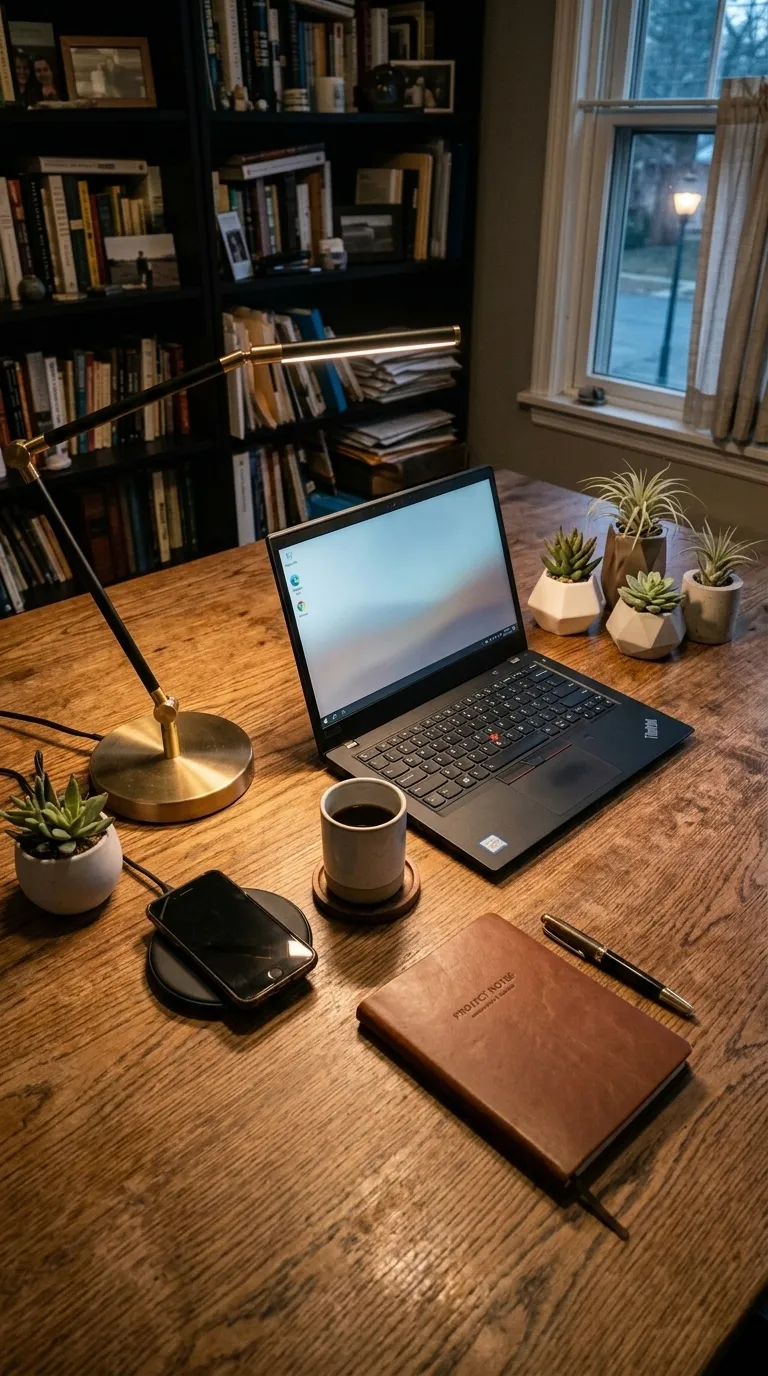
 BeforeAfter
 BeforeAfterBeforeAfter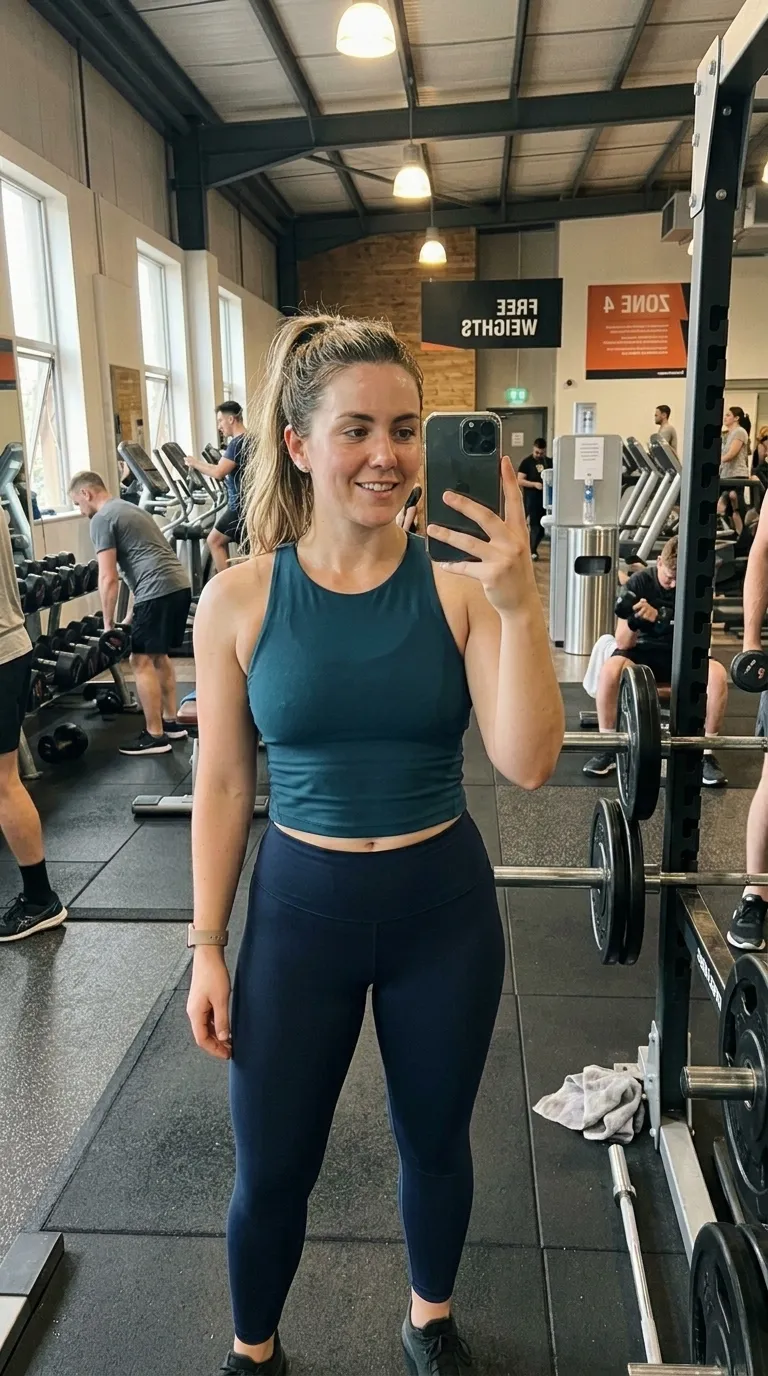
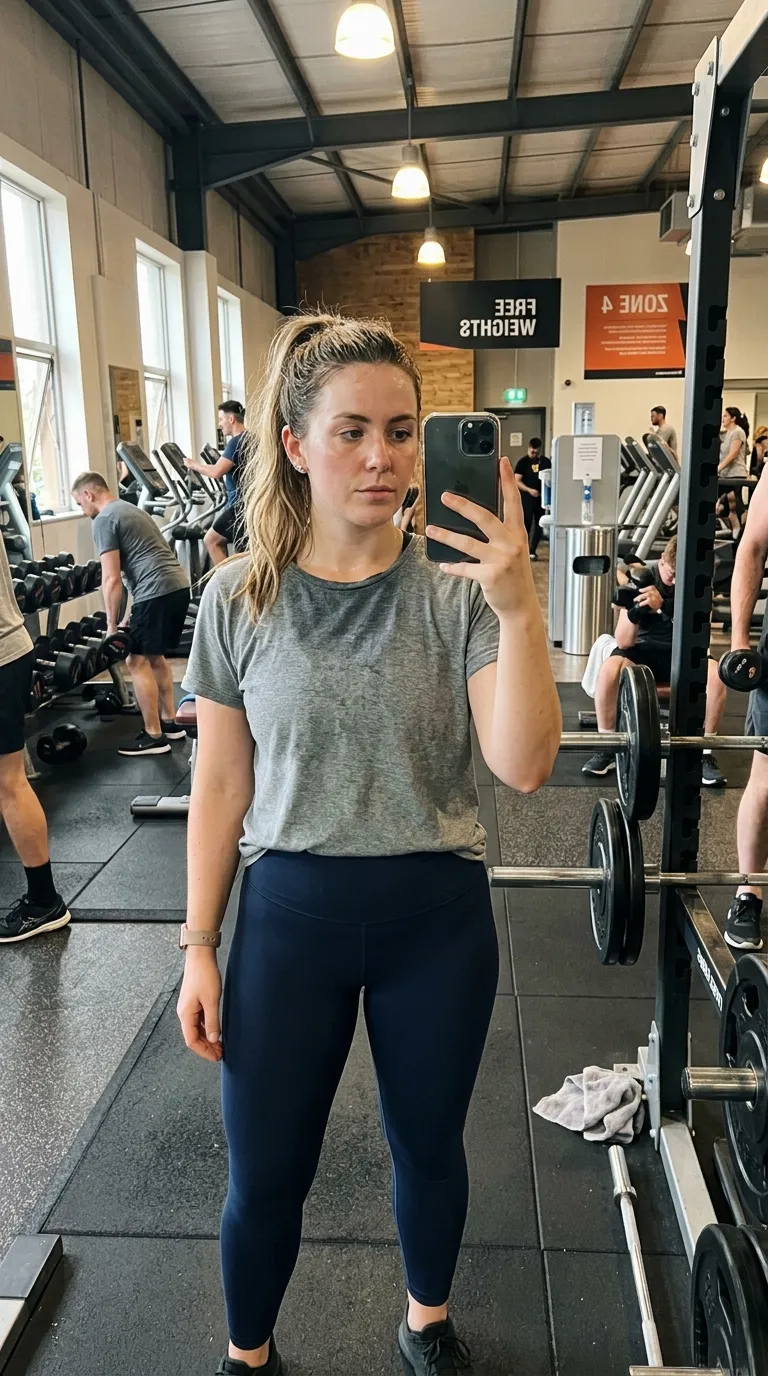 BeforeAfter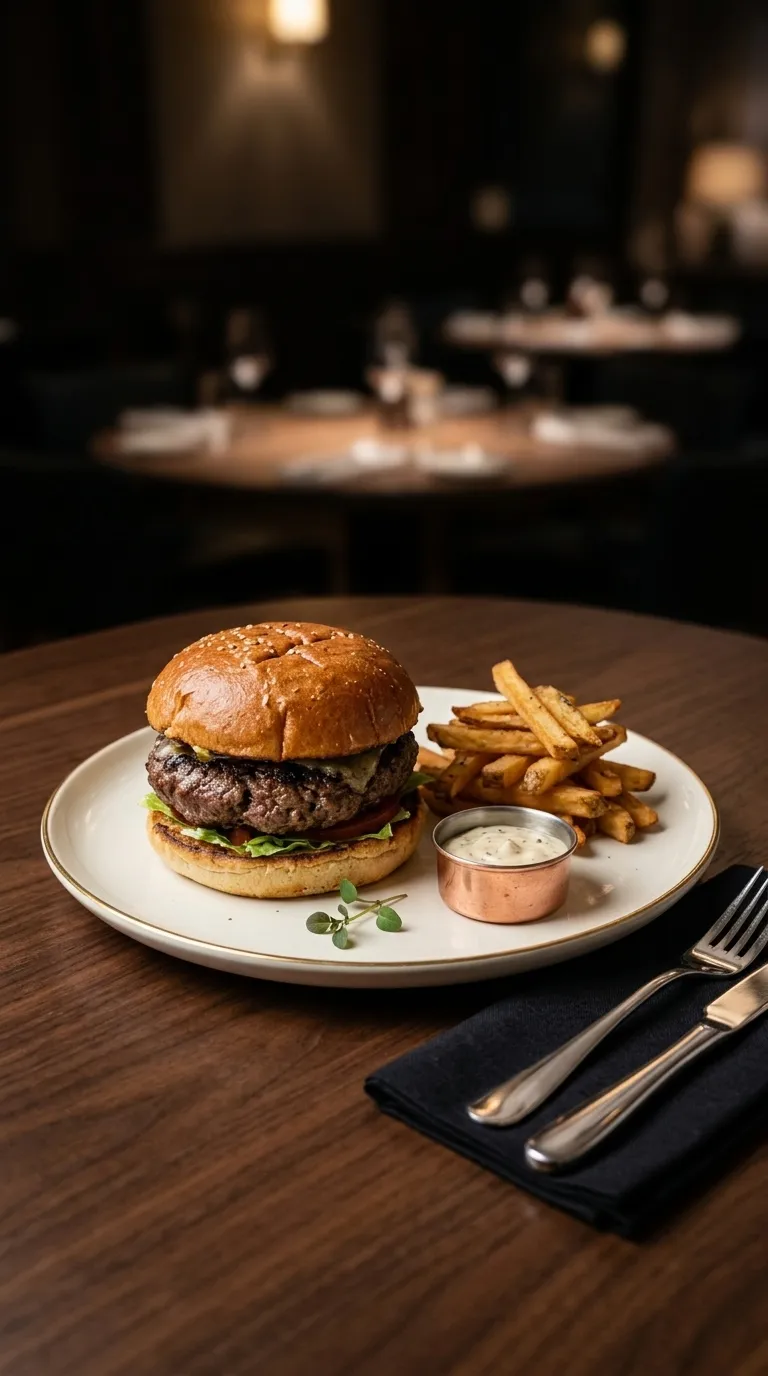
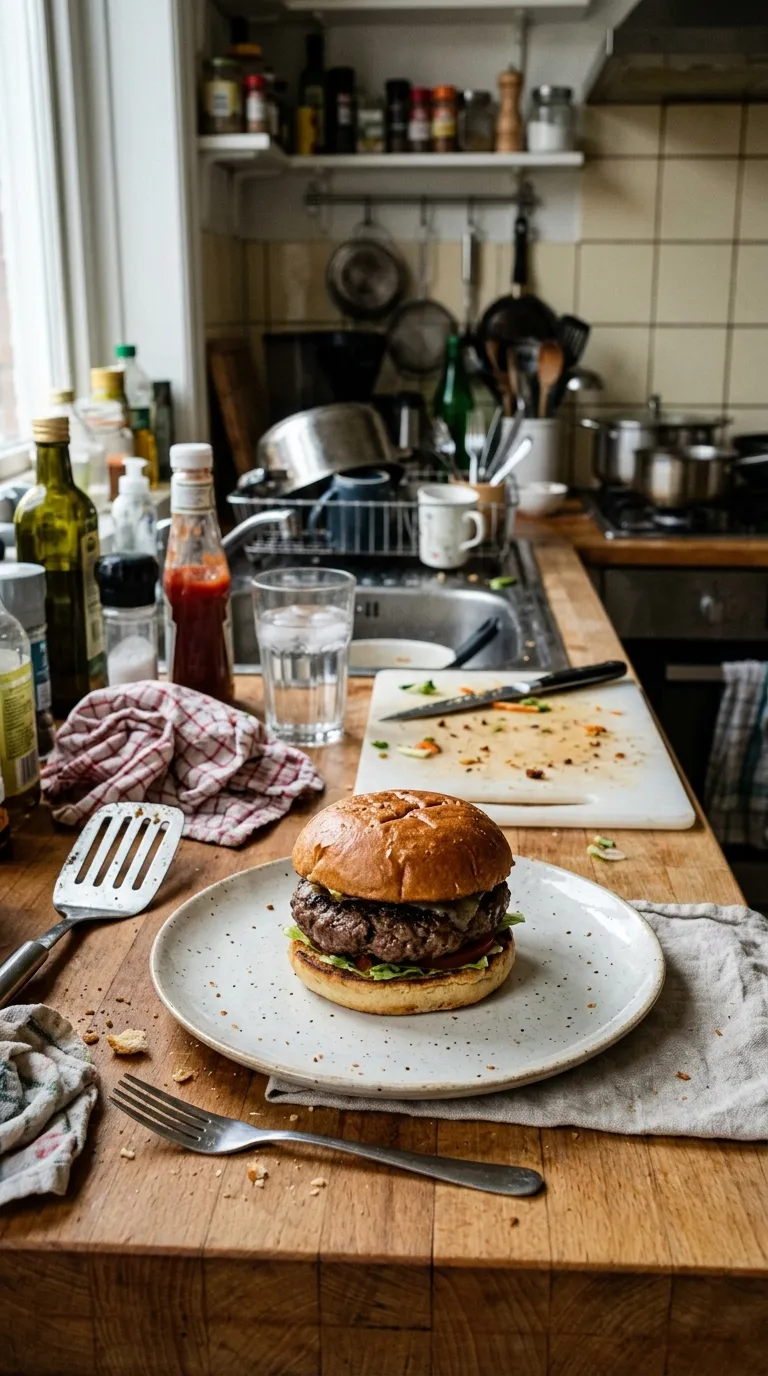 PrepPlated
Set a business name and a logo image once and they persist between projects: top or bottom, left, centre or right, with size and weight controls. Custom branding is not gated, which is a better free story than the app's own paywall currently tells.
Drop in two photographs, drag the divider, and download the split image. It runs entirely on your own device: the pictures are never uploaded, because there is nothing here to upload them to.
Open the slider tool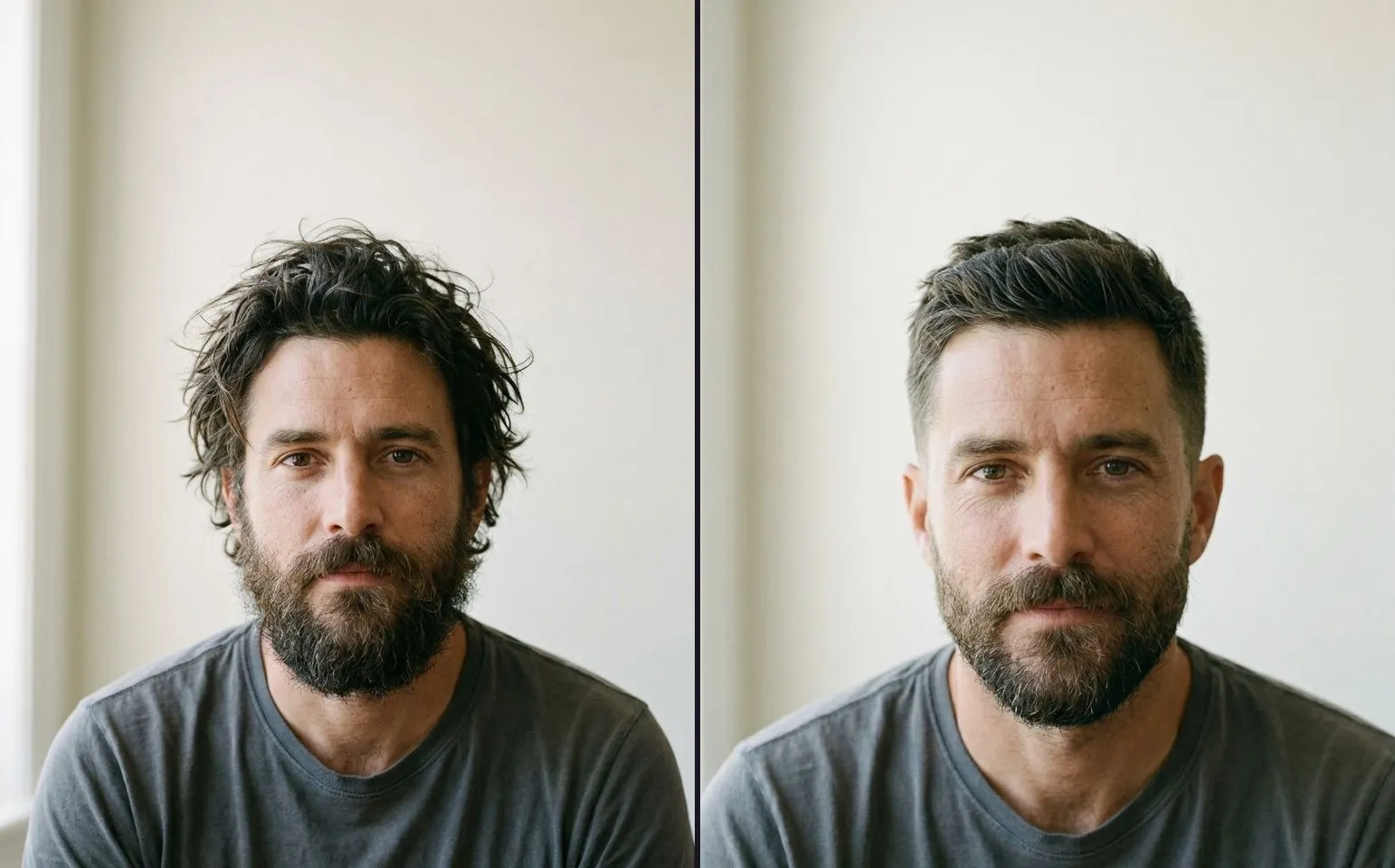 Shooting the pair
A method you can follow with a phone in a salon or on a driveway: the spot, the height, the distance, the lens and the light, plus the five numbers to write down.
8 min read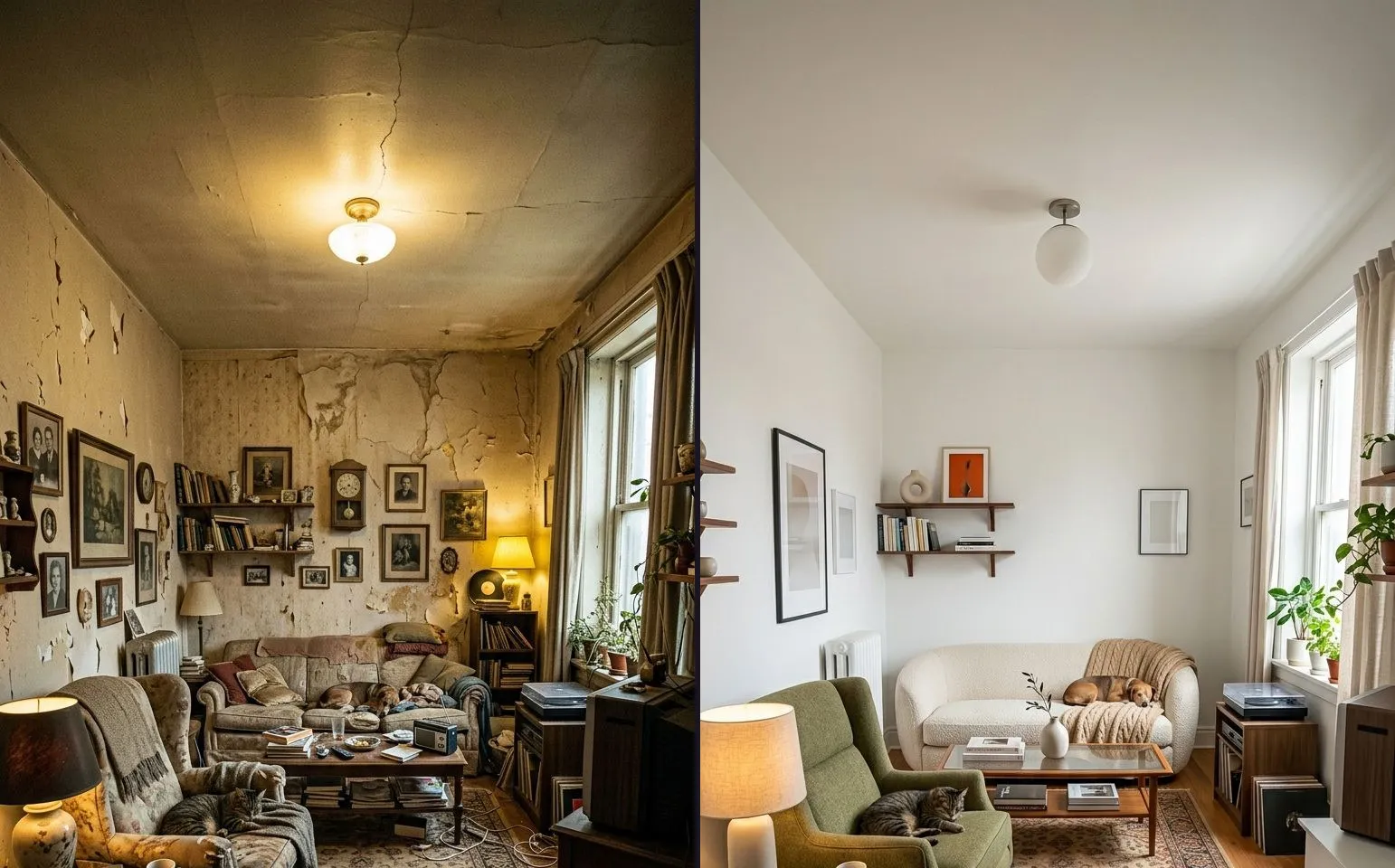 Shooting the pair
The renovation is done and the before is six weeks old. Here is how to reproduce a shot from a memory you no longer have, and when to admit the mismatch instead.
7 min read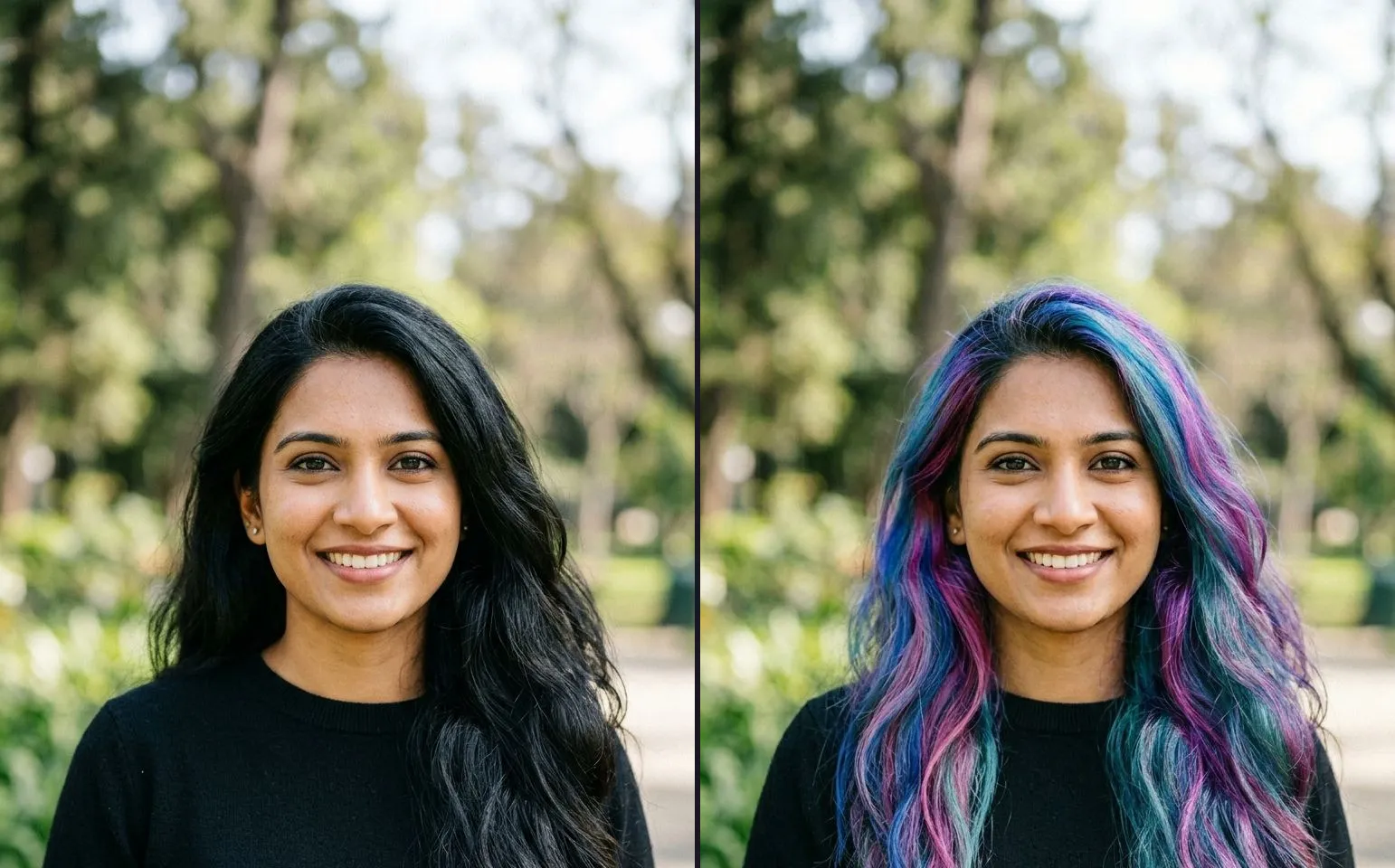 Shooting the pair
A viewer never analyses your before and after pair, they just feel that something is off. Here are the seven physical tells that cause it, and how to fix each one.
7 min readThree exports a day are free, each one behind a short rewarded ad, with a watermark you can turn off on Pro. Ghost Camera, all four comparison modes, every filter, every sticker and your own branding cost nothing.