The app
Before and After Video Maker
Two photographs in, a 1080p video, a looping GIF or a still out, in about a minute. This page tells you what it does, what the free tier really costs you, and what it cannot do.
The whole flow
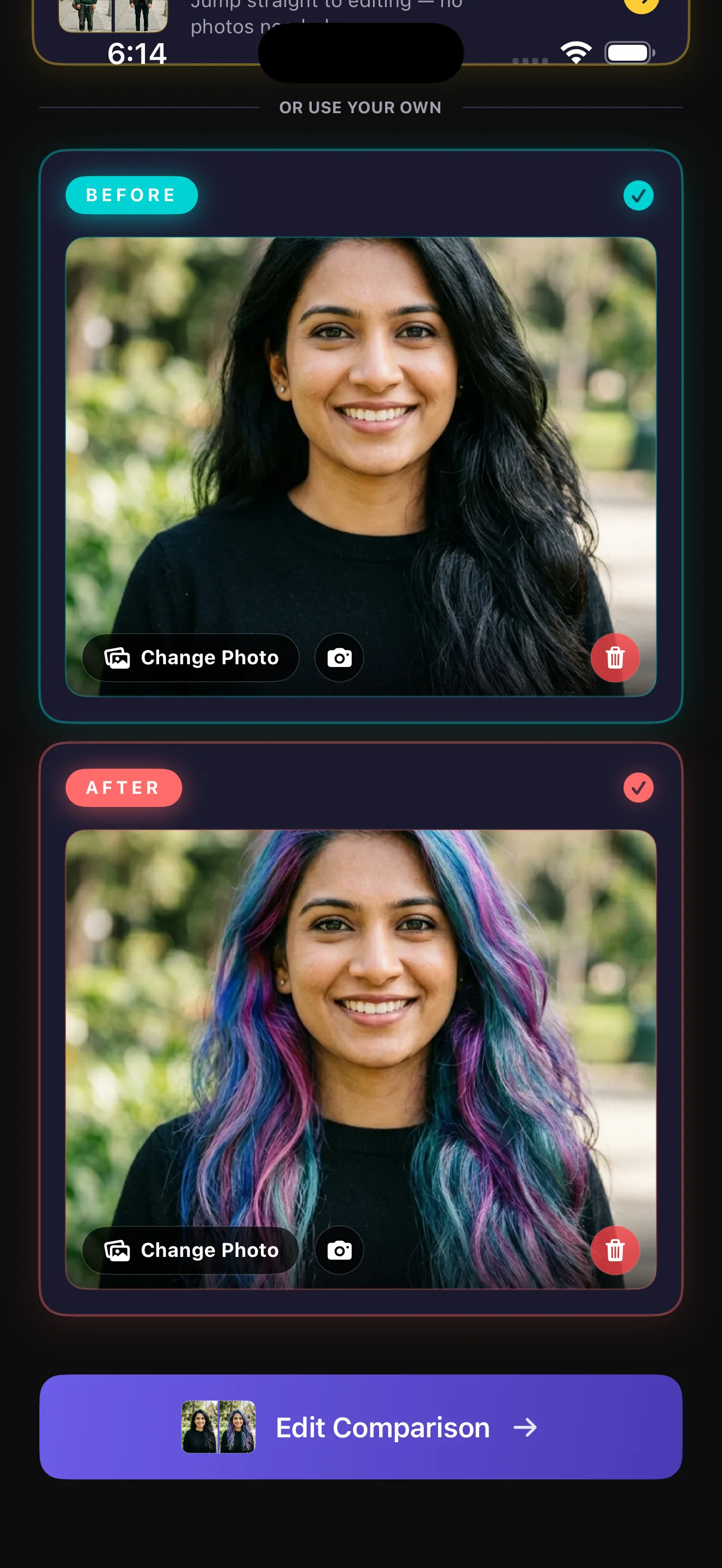
- Pick the before. From your gallery, or shoot it.
- Shoot the after. Ghost Camera lays the before over the live viewfinder so the two line up.
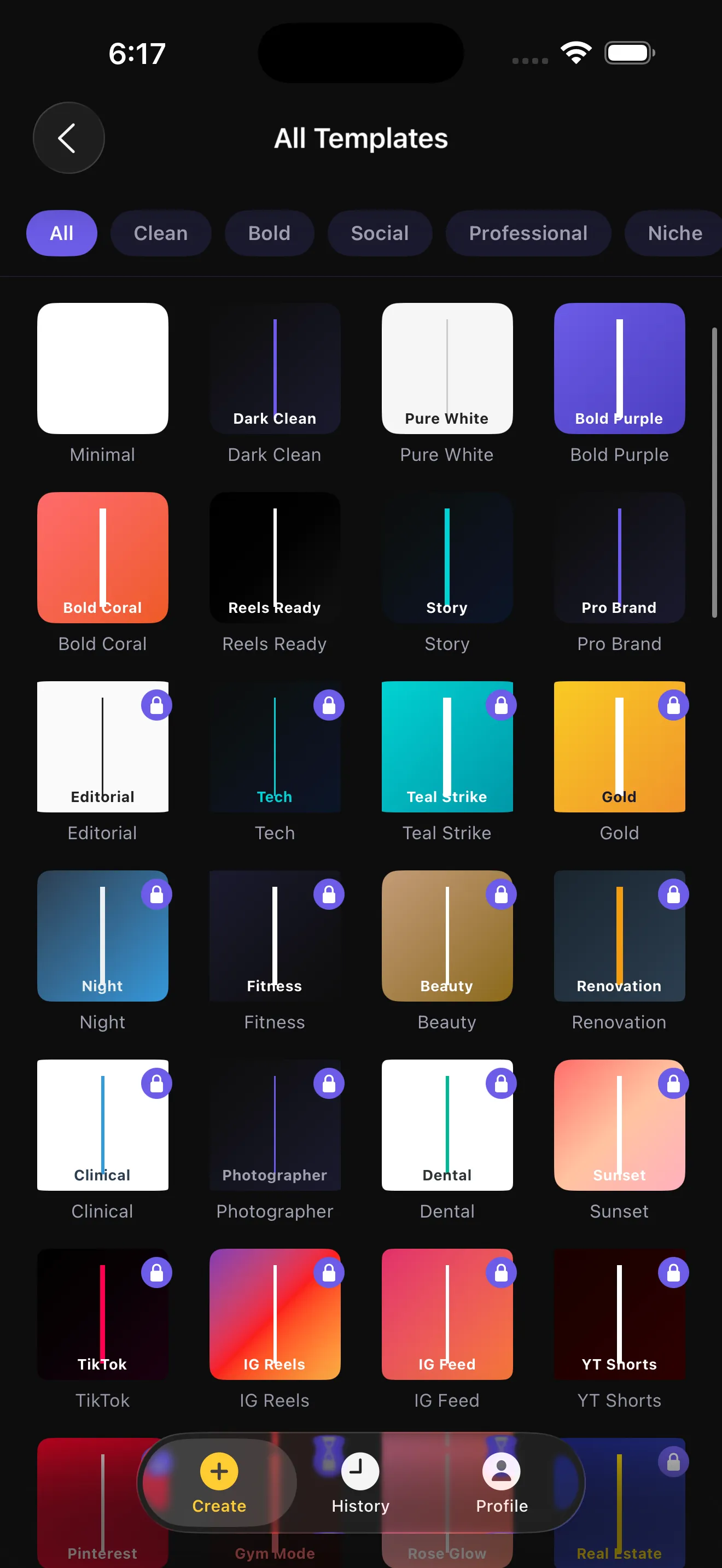
- Pick a template and a mode. 100 templates, four modes, everything previewing live.
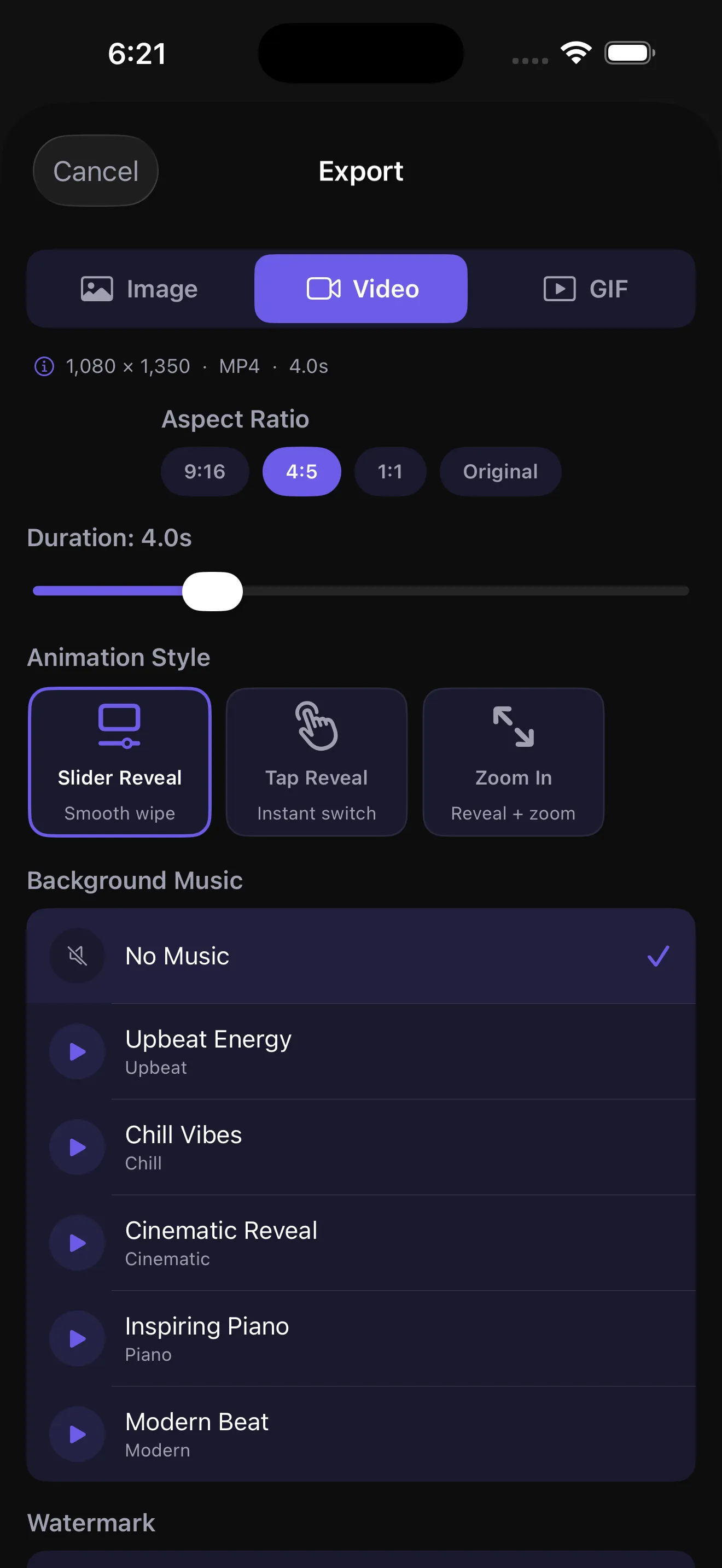
- Export. Video, GIF or image, at the ratio the platform wants.
Four comparison modes
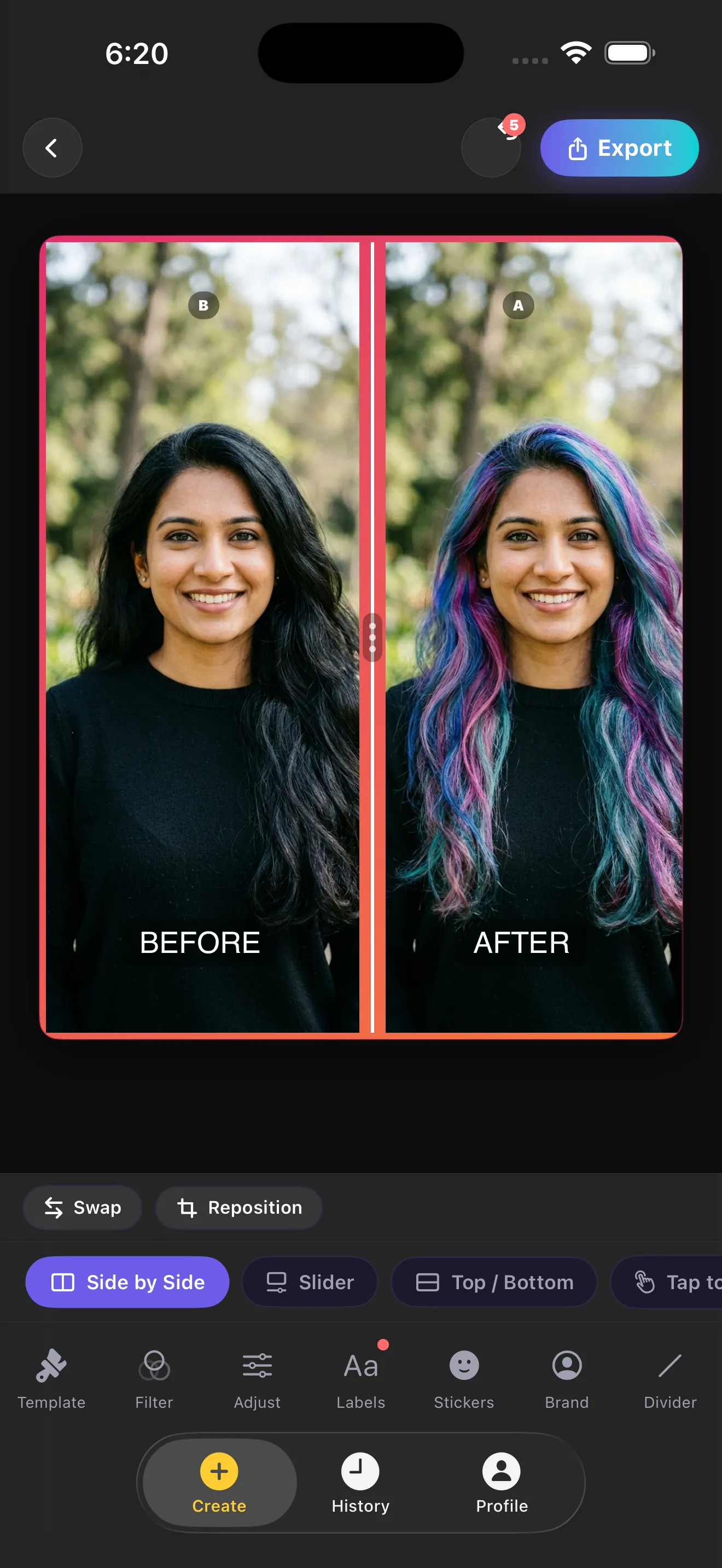
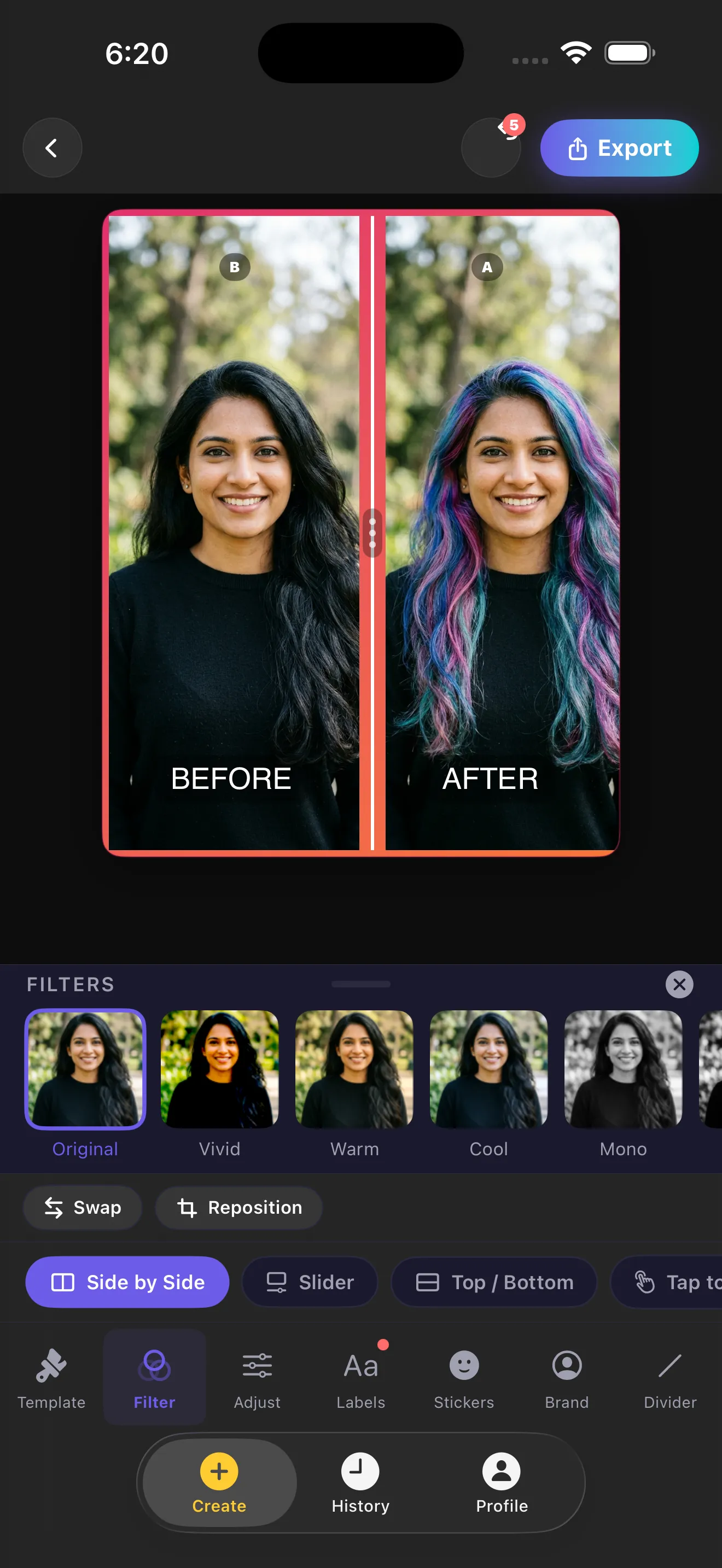
- SliderOne frame, split by a draggable divider. The mode people picture when they hear "before and after".
- Side by SideBoth photographs at full height, next to each other, divided by the template rule.
- Top / BottomStacked. Better than side by side when the subject is wide: a driveway, a room, a garden bed.
- Tap to SwitchOne photograph at a time, tapped to flip. The cleanest read on a small screen.
Three video reveals
- Slider Reveal freeAn eased wipe across the frame. The only reveal on the free tier.
- Tap Reveal ProA hard cut at the halfway point, which lands harder than a wipe on a short clip.
- Zoom In ProSide by side, then the reveal, then a slow push from 1.0 to 1.3.
Video runs 3.0 to 7.0 seconds in half-second steps, at 30 frames a second. Background music is five tracks generated on the device at export time: Upbeat Energy, Chill Vibes, Cinematic Reveal, Inspiring Piano, Modern Beat. They are synthesised, not a licensed library.
The feature nothing else in this category has
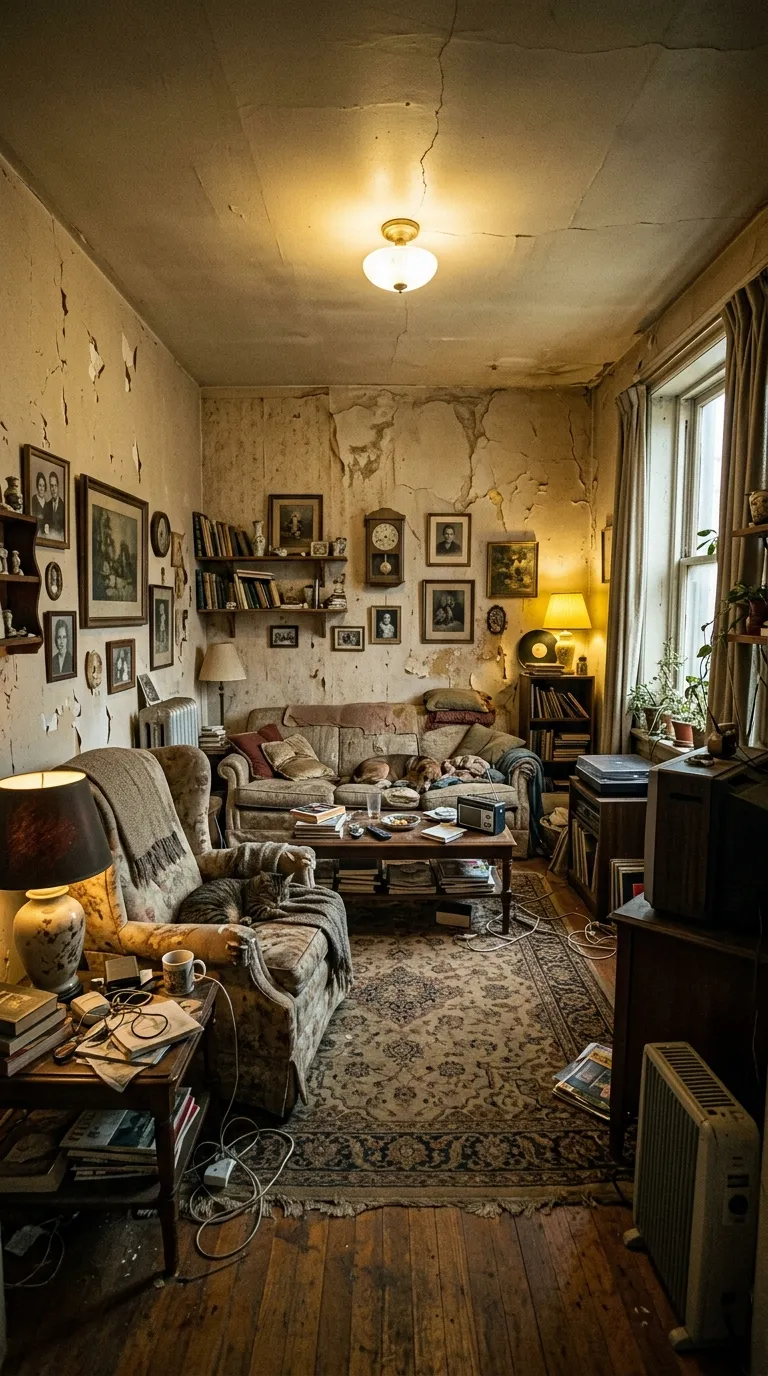
Open the camera from inside a project and your before photograph appears over the live viewfinder at an opacity you set, anywhere from 0 to 70 percent. Move until the two agree, then shoot. It is not clever and it is not AI. It just removes the one variable that ruins most before and afters, which is standing in a slightly different place a month later.
Drag the control to see the principle. In the app, the layer underneath is your camera rather than a photograph.
The full method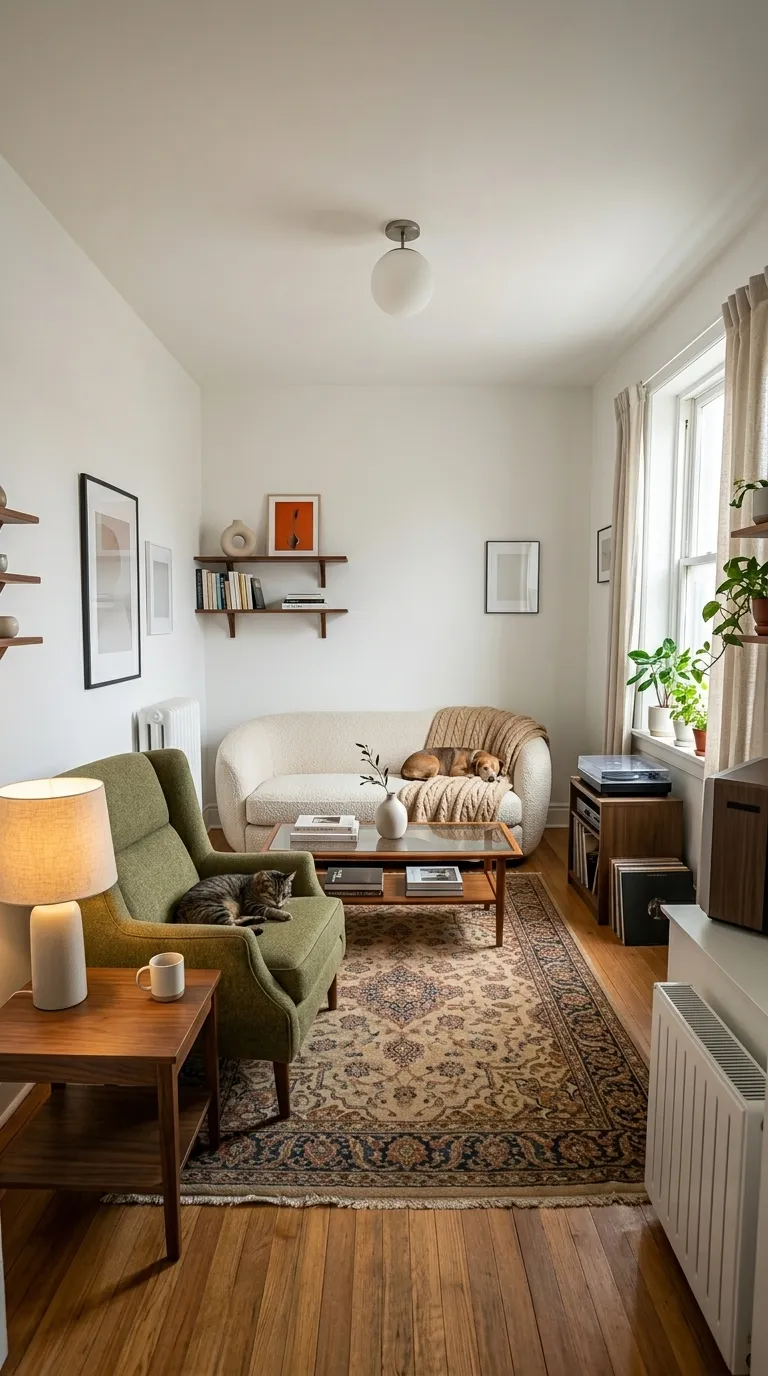
What is actually in there
Photo sources
The gallery through Apple's private photo picker, the plain camera, or Ghost Camera with the before photo laid over the viewfinder.
Filters and adjustments
12 filters with an intensity slider, plus per-photo brightness, contrast, saturation and temperature.
Labels
Edit the text, typeface, colour, size, weight, case, shadow and background opacity. Five position presets or free drag. Optional date stamps and a caption.
Stickers
83 across four tabs: progress badges, symbols, emoji and call to action labels.
Branding
A business name and a logo image that persist between projects, placed top or bottom, left, centre or right.
Reposition
Pan and zoom each photograph inside the frame independently, so a slightly off shot still lines up.
Projects
Everything saves with a thumbnail and reopens for re-editing, which is how a weekly series stays consistent.
Languages
10 languages with an in-app switcher: English, Spanish, French, German, Italian, Portuguese, Japanese, Korean, Chinese, Arabic.
The free tier, described the way the code enforces it
Most apps in this category describe their free tier as "watermarked". Ours is watermarked and ad-gated: every free export plays a rewarded advert first. You should know that before you install, not after.
| Feature | Free | Pro |
|---|---|---|
| Comparison modes | All four | All four |
| Templates | 8 of 100 | All 100 |
| Exports per day | Three | Unlimited |
| Rewarded ad before each export | Yes | No |
| Watermark on video and image | Yes | Optional |
| Aspect ratios | 9:16 and 1:1 | 9:16, 4:5, 1:1 and Original |
| Reveal animation | Slider Reveal | All three |
| Video length | Up to 5.0 s | Up to 7.0 s |
| Background music | None | All five tracks |
| Ghost Camera | Yes | Yes |
| Filters, adjustments, stickers | All of them | All of them |
| Logo and business-name branding | Yes | Yes |
| Saved projects and re-editing | Yes | Yes |
| App languages | All ten | All ten |
Pro is sold as a weekly subscription with a three-day free trial, a monthly subscription, or a one-time lifetime purchase. The live prices are shown on the App Store listing and inside the app, because a price typed onto a website goes stale the moment a store changes it. Purchases restore across your devices.
The honest gaps
- No video input, no clip comparison, no trimming, no multi-clip timeline.
- No AI: no automatic alignment, no background removal, no masking.
- No 4K. 1080p is the ceiling on the fixed ratios, and Original caps at 3024 pixels.
- No music import, no voiceover, no text to speech, no captions.
- A GIF is a simple looping slider reveal at 480 px wide. It does not reproduce your template exactly.
- The video export currently takes its layout from the reveal animation rather than the comparison mode, so top and bottom and tap to switch reach an image export but not a video one. Fix logged for the next release.
- iPhone only, iOS 17 and later.
Common questions
- Can it compare two video clips?
- No. The input is two still photographs, always. There is no video import, no trimming and no timeline. The word video in the name is about what comes out: an MP4 at 1080p.
- Is it really free?
- There is a real free tier and it has real limits. Three exports a day, each one behind a short rewarded advert, with a watermark on video and image exports, 9:16 and 1:1 ratios, the Slider Reveal animation, and up to five seconds of video. Everything else in the editor, including all four comparison modes, Ghost Camera, every filter, every sticker and your own logo, is free and unlimited.
- Does it use AI?
- No. There is no automatic alignment, no background removal and no generated imagery anywhere in the app. Ghost Camera helps you line the shot up yourself, which is a different and more reliable thing.
- What resolution does it export?
- Video is 1080p: 1080 by 1920 for 9:16, 1080 by 1350 for 4:5, 1080 by 1080 for square. The Original option caps the longest side at 3024 pixels. There is no 4K.
- Where does the music come from?
- The five background tracks are generated on your device at export time rather than being a licensed recording library. That is why they add nothing to the download size and carry no attribution requirement.
- Is there an Android version?
- Not at the moment. The app is iPhone only, iOS 17 and later.
Two photographs is the whole ask
Shoot the before, shoot the after from the same spot, and the app does the rest. Three exports a day are free.